
7Vault – Private Offline Vault
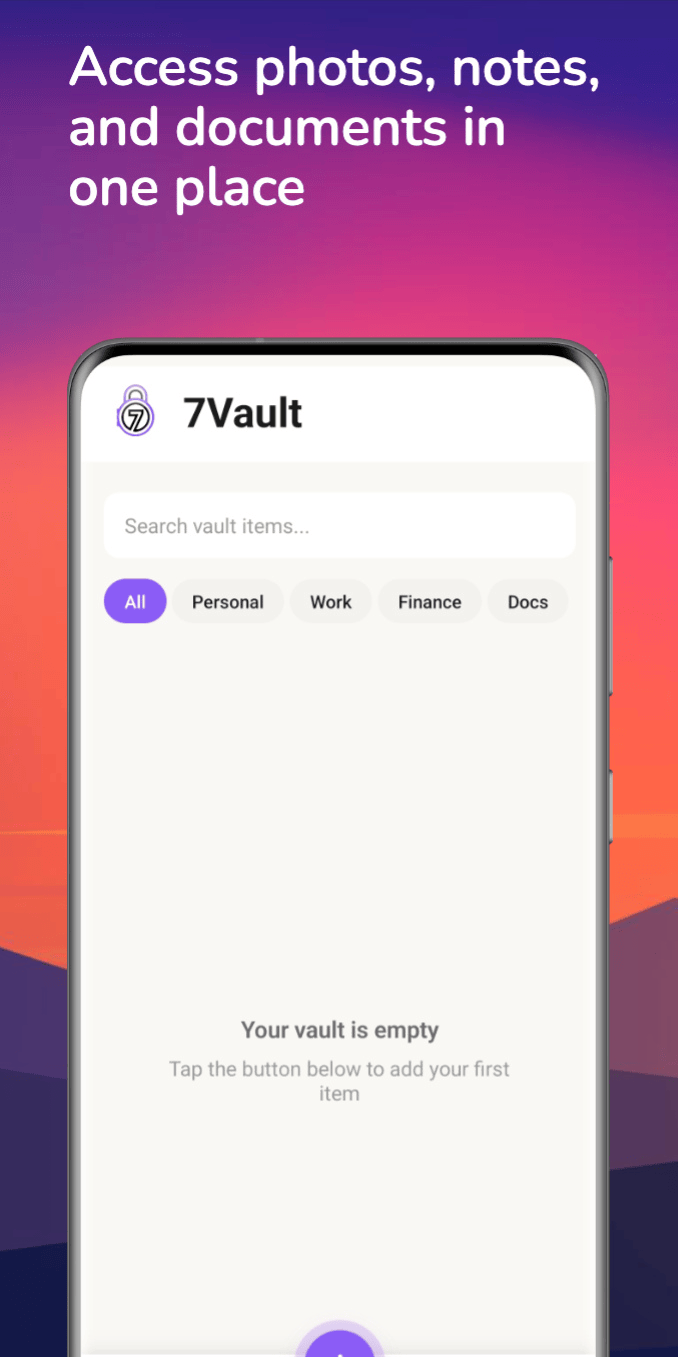
7Vault helps you keep important documents, photos, passwords, notes, and links in one secure place, so you don’t need to search your gallery or files every time someone asks for them.
Completely offline. Fully private. Always on your phone.
Tired of searching every time?
Every day, someone asks for:
- An ID document
- A photo
- A password
- An important link
And every time, you:
- Open gallery
- Search files
- Scroll endlessly
- Get frustrated
There should be a simpler way.
The Solution: 7Vault App
One app. Everything ready.
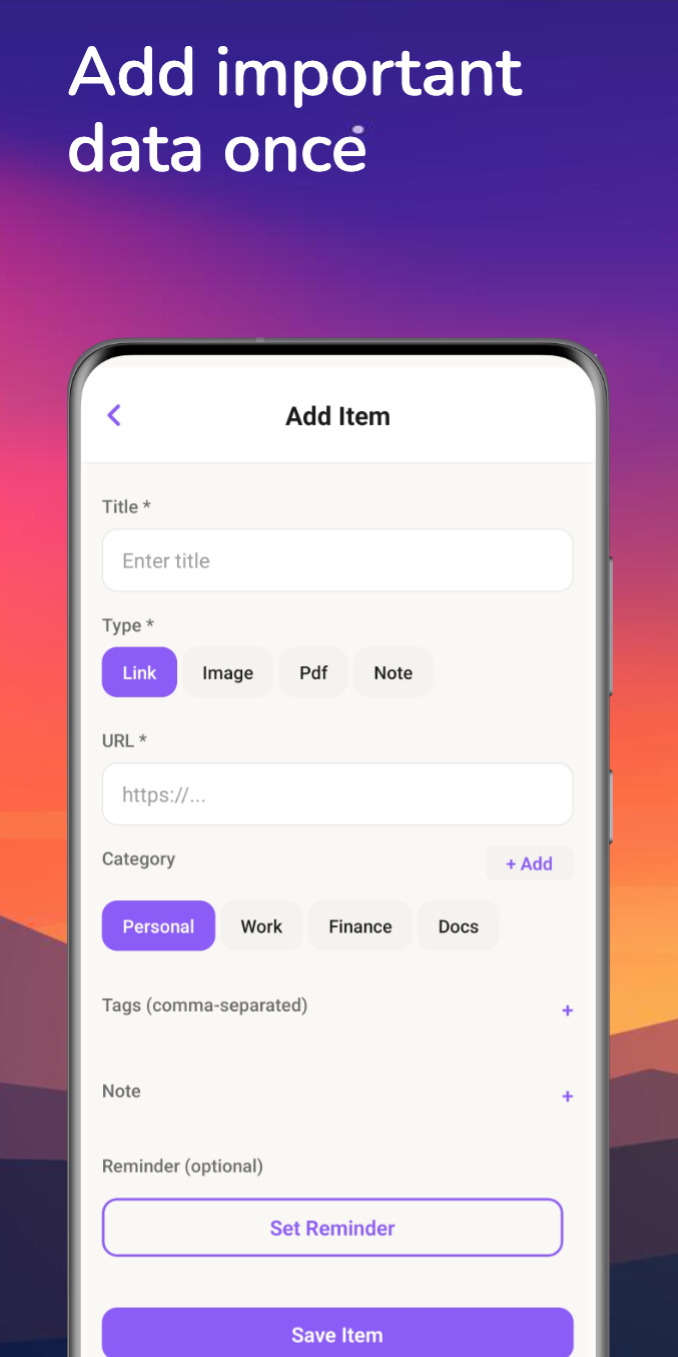
7Vault lets you store important information once, so you can open the app and show it instantly when needed.
- No more searching.
- No more confusion.
- No more wasting time.


Everything Ready, One Tap Away
Stop searching your gallery, files, or apps every time someone asks for a document, photo, or link.
Store important items once in 7Vault and access them instantly when needed.
Works completely offline and keeps everything safely on your phone.
Key Features
Offline Private Vault:
7Vault works completely offline. There is no backend, no server, and no cloud storage. All data stays on your phone.
Quick Document Access:
Store documents once and access them instantly without opening gallery or file manager.
Hidden Photo Storage:
Photos saved in 7Vault are hidden from the phone gallery and remain accessible only inside the app.
Password & Notes Storage:
Keep passwords, private notes, and important information safe and organized in one place.
Simple Security:
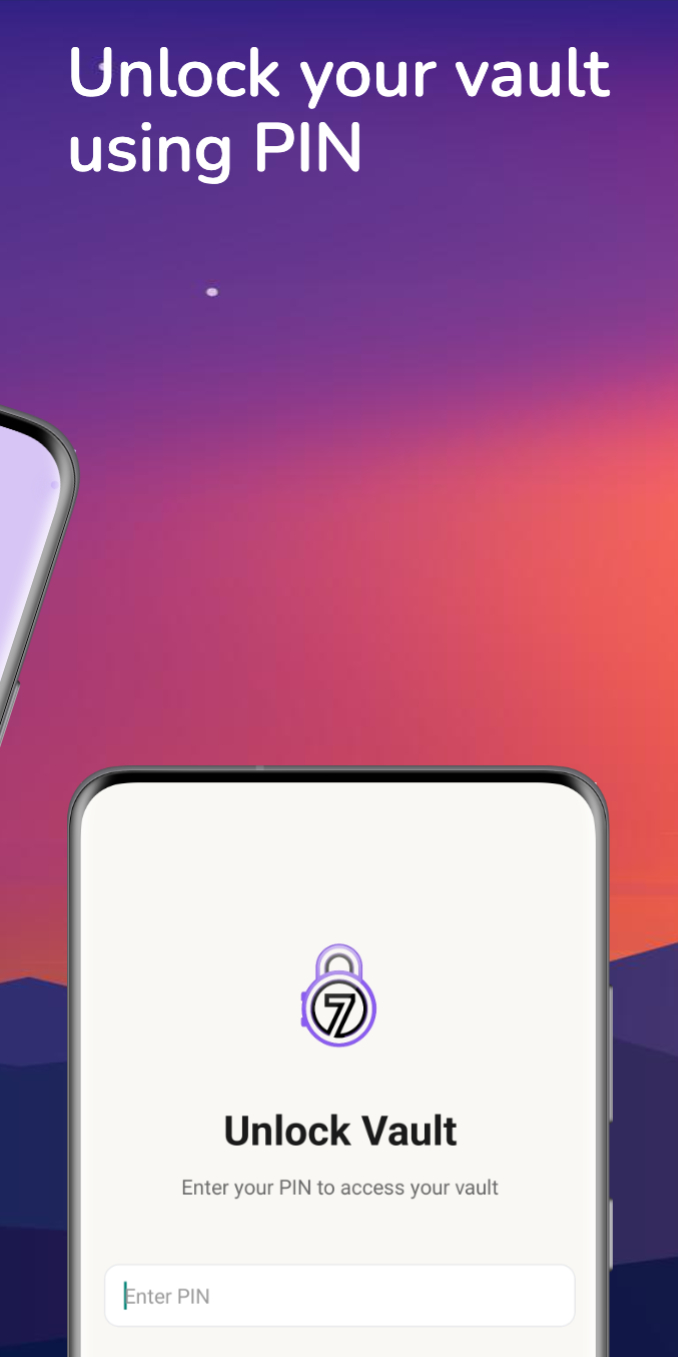
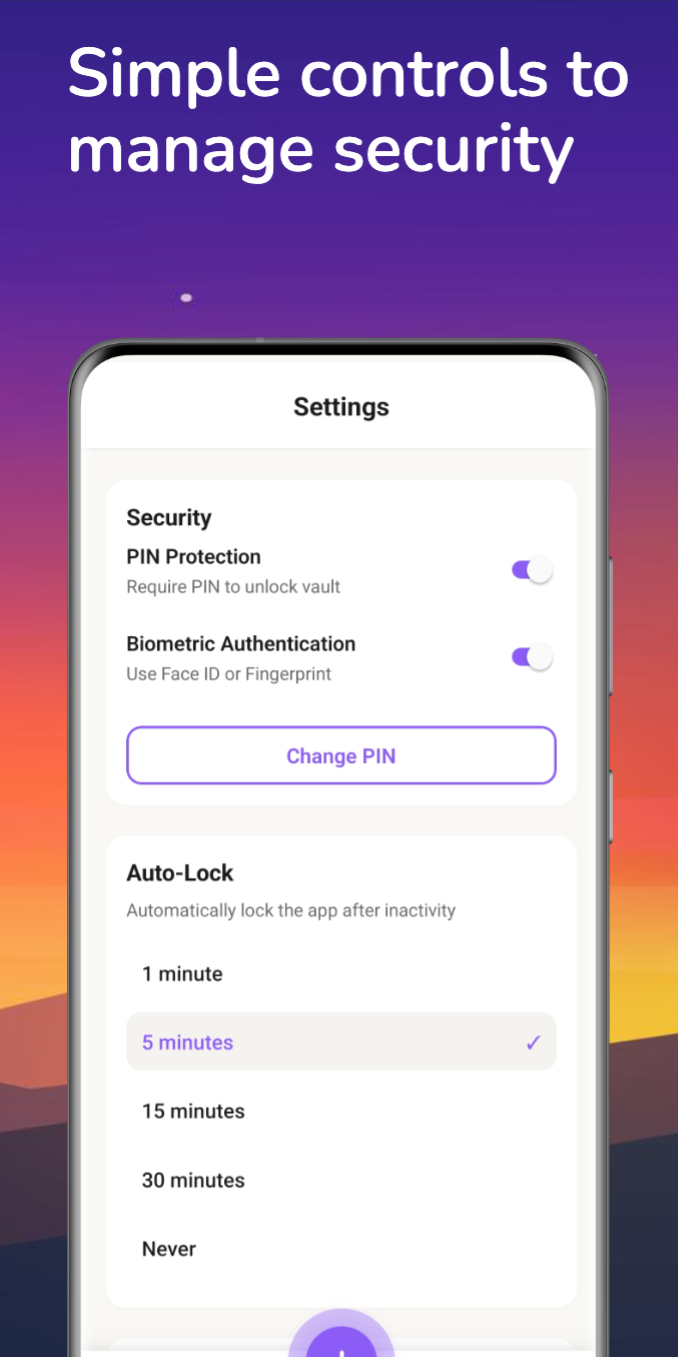
Protect your data with a PIN and optional biometric authentication for quick and secure access.
Privacy First
Your data stays with you
- No login or signup required
- No internet connection needed
- No ads
- No tracking or analytics
- No data collection
7Vault does not collect, share, or transmit any user data. Everything remains stored locally on your device.
How It Works
- Install 7Vault
- Create a PIN on first launch
- Add documents, photos, passwords, notes, or links
- Open the app and access them instantly when needed
That’s it. Simple and easy.