
7PDF: Free PDF Scanner,
Image to PDF &
Resume Builder.
Scan paper documents, turn photos into a PDF, and also build a sharp resume — all from one free app on Android and iOS.
- Turn photos and gallery images into a PDF in seconds
- Moreover, scan any paper page with just your camera
- Then build a clean resume PDF in minutes
- And on top of that, zero data is collected — it works offline
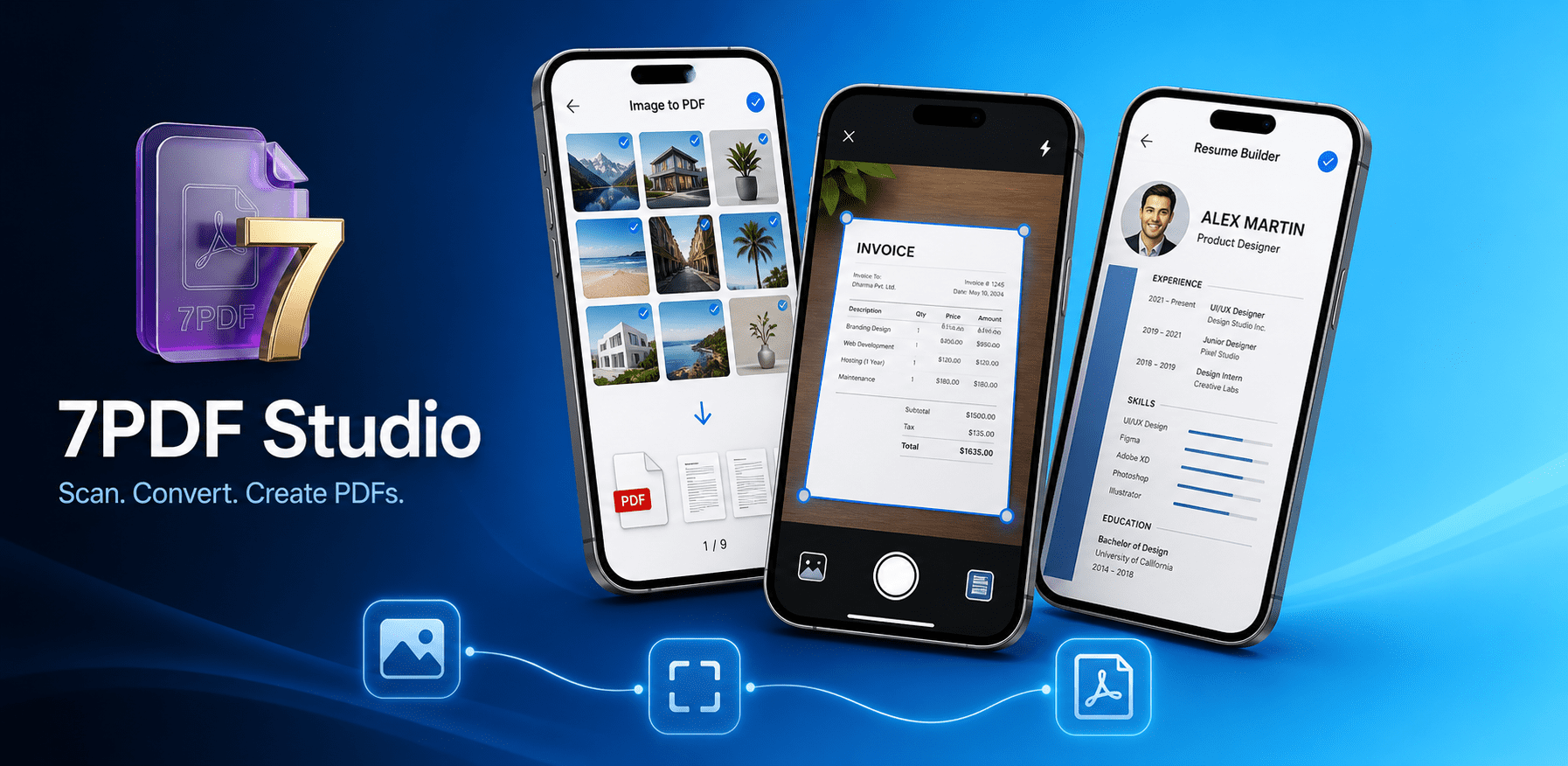
Three tools. One app.
Do more with your
documents.
7PDF zeroes in on the three document jobs you really need — and handles each one with care. As a result, there is no clutter, no subscriptions, and no learning curve.
Image to PDF
Pick any photos from your gallery or snap new ones, and then merge them into a single shareable PDF in seconds. Better still, you can sort pages, preview the order, and export when ready.
- Receipts and bills you need to email
- Homework, notes, and whiteboards
- Informal paperwork and signed forms
- Multi-page reports built from photos
Document Scanner
Turn your phone into a pocket scanner. In addition, you can crop, straighten, and boost clarity so every page comes out crisp — whether it is a contract, a notice, or study material.
- Signed agreements and contracts
- Study material and textbook pages
- Travel papers and ID copies
- Office paperwork to archive
Resume Builder
Walk through a guided form — experience, education, skills — and then preview your resume on the page. Finally, export a clean PDF that is ready for job applications, email, or print.
- First-time job seekers and freshers
- Updating after campus placements
- Quick CV for walk-in interviews
- PDF resume for email attachments
See it in action
Clean. Fast. Private.
Every screen is built for speed. Moreover, because the whole app runs on-device, your files never leave your phone.
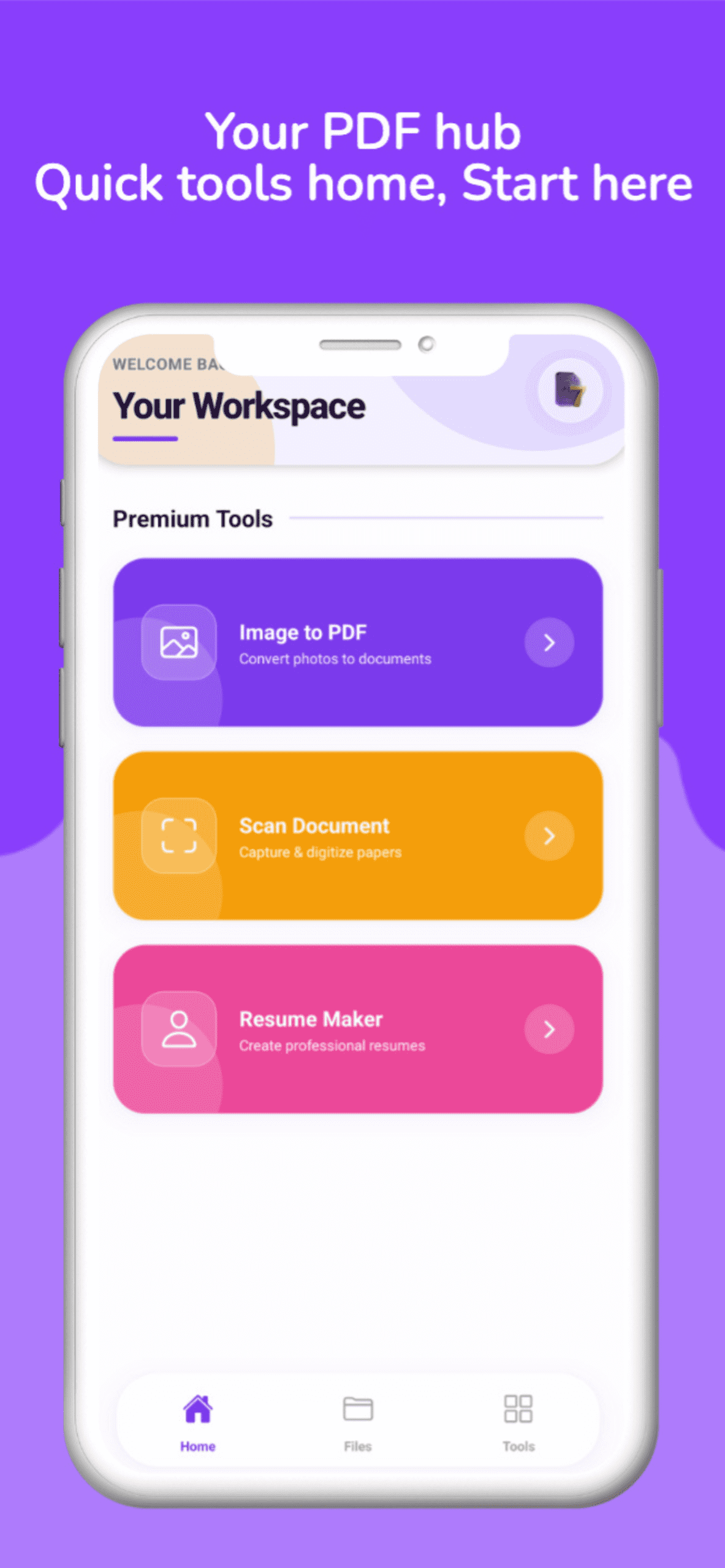
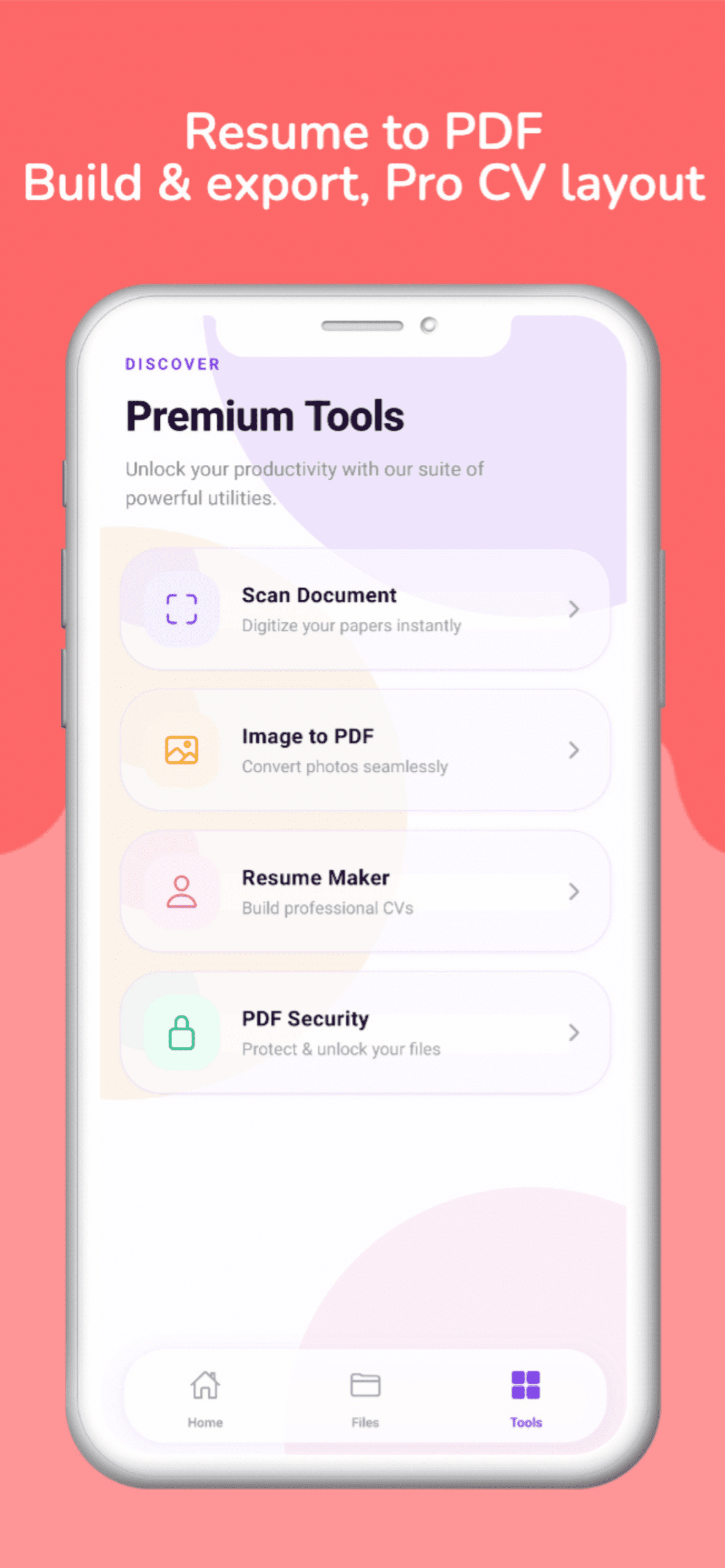
Simple by design
From open to exported
in under a minute.
There are no accounts, no cloud uploads, and no settings maze. Instead, you just open, do the work, and share.
Install & open
First, grab it free from Google Play or the App Store. No sign-up, no email, no account. After that, simply open and pick your workflow.
Select or capture
Next, choose images from your gallery, use the camera to scan a page, or start filling in your resume — whichever you need.
Preview & adjust
Then review the page order, crop edges, boost scan clarity, or check your resume layout. As a result, everything is editable before you export.
Export & share
Finally, save the PDF to your device. After that, share it through WhatsApp, email, Google Drive, iCloud, or any other app in a tap.
Platform details
Made for Android
& Apple devices.
Tuned for both ecosystems. In other words, the same three features, the same privacy promise, and fully free — no matter which phone you carry.
- PlatformAndroid
- PriceFree
- Age RatingRated 3+
- CategoryProductivity
- Packagecom.sevenpdf
- Data collectedNone
- UpdatedMay 2026
- DevicesiPhone, iPad, Mac (M1+)
- PriceFree
- Age RatingRated 4+
- CategoryBusiness
- RequiresiOS 15.1 or later
- Data collectedNone
- Size34.2 MB
Your data stays yours
Zero data collected.
Zero data shared.
Both the Google Play data safety note and Apple's App Store privacy label say the same thing: your files never leave your device. On top of that, no internet connection is ever needed.
No data collected
7PDF takes no personal info, no usage tracking, and no crash data tied to who you are. As a result, everything you create stays right on your device, as it should.
Not shared with third parties
Nothing you do inside the app is sent to advertisers, trackers, or outside services. Furthermore, this promise is stated openly on both major app stores.
Minimal permissions
Camera access is asked for only when you scan or capture. Likewise, photo library access is used purely to read images and save finished PDFs. Beyond that, nothing else is ever requested.
Fully offline
All three features work without any internet at all. In short, there are no uploads to a server and no cloud sync — on Android and iOS alike. Fully local, fully private, always.
Quick facts
About the app
Stop forwarding photos.
Start sending PDFs.
Free on Android & iPhone. No account. No nonsense.